
Looking to scan and email documents but unsure if Staples can help? You're not alone; many people face this question when juggling busy schedules and important tasks. The ability to quickly scan and send documents can save you time and effort, whether for work, school, or personal projects. 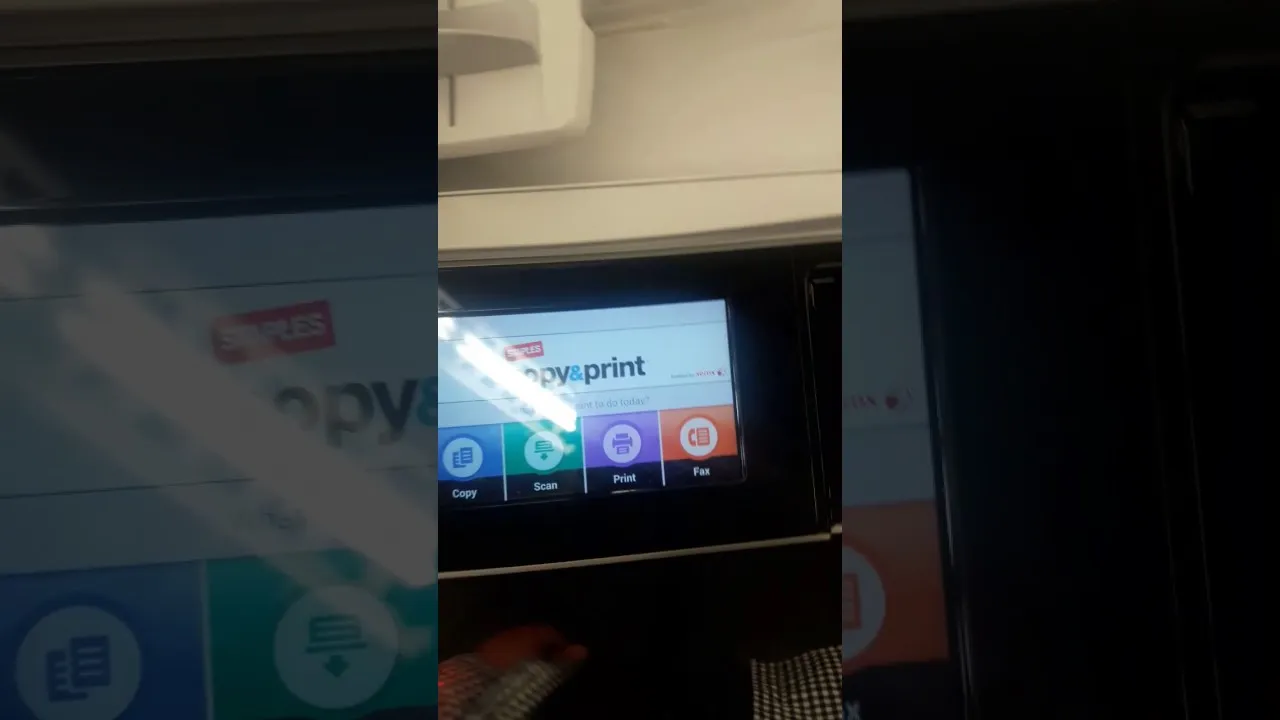
Understanding how to utilize services like Staples can make a huge difference. You don’t have to navigate complicated hardware or software on your own—there are practical solutions right at your fingertips. This knowledge can help you communicate more clearly and efficiently, ensuring your documents reach the right people without unnecessary delays.
Ready to explore how Staples fits into this picture? You’ll find that it’s quite straightforward, and getting your documents scanned and emailed can be a seamless part of your day.
Essential Components for Scanning and Emailing Documents at Staples
Scanning and emailing documents at Staples is a convenient service, especially for those who need quick access to digital copies. Here’s an overview of the fundamental aspects you should understand.
-
Scanning Process:
To initiate scanning, you simply place your document on the scanner. Staples typically offers self-service kiosks that are user-friendly. Most machines have on-screen instructions guiding you through the process.
-
Choosing Formats:
Once the document is scanned, you can select the format for saving your file. Common options include PDF and JPEG, which are widely accepted for email purposes. Make sure to choose the one that meets your needs.
-
Emailing the Document:
After scanning, the system allows you to input your email address. This step is usually straightforward, requiring you to type in your address and confirm it. Some kiosks also let you send the document directly to multiple recipients.
-
Payment:
Staples typically charges a fee for scanning services, which may vary based on the number of pages and the service you select. Payment is usually required at the kiosk, with multiple options available, such as credit cards or in-store accounts.
-
Privacy Considerations:
When using public machines like those at Staples, it's important to ensure your documents don’t contain sensitive information. Double-check that your data is secure and that you have logged out of any personal accounts.
| Feature | Description |
|---|---|
| Self-Service Kiosks | User-friendly machines that guide you through scanning and emailing documents. |
| File Formats | Options include PDF and JPEG, suitable for most email requirements. |
| Email Functionality | Allows direct sending to specified email addresses from the kiosk. |
| Payment Options | Fees vary; payment can be made via credit card or in-store account. |
| Privacy | Exercise caution with sensitive documents; ensure you log out after use. |
For more insights on scanning documents, check out this article on scanning documents to email.
Practical Applications of Scanning and Emailing Documents at Staples
Simplifying Document Management
Customers can bring in various documents, scan them, and email them directly to themselves or colleagues at Staples kiosks. This service is available in-store for quick access.
Why this matters: Demonstrating convenience, customers eliminate the need for additional hardware or software, streamlining their document management process.
Enhancing Remote Work Efficiency
Remote workers can utilize Staples' scanning services to quickly digitize paper documents, sending them via email to maintain productivity from any location.
Why this matters: Supporting modern work environments, enabling seamless collaboration regardless of physical barriers enhances remote team dynamics.
Facilitating Legal Document Transfers
Lawyers often rely on Staples to scan contracts and pleadings, emailing them instantly to clients or opposing counsel, ensuring prompt communications.
Why this matters: Recognizing urgency in legal matters, immediate access to documents can significantly affect case management and client relations.
Streamlining Tax Preparation
During tax season, individuals can scan forms and documents directly to their accountants at Staples, avoiding the hassle of physical mail.
Why this matters: Simplifying tax preparation, providing timely information can optimize financial planning and compliance efforts.
Supporting Educational Needs
Students can scan research materials and assignments at Staples, emailing them for submission or sharing with classmates to enhance collaborative projects.
Why this matters: Promoting academic collaboration, digital submissions save time and increase accessibility to necessary resources.
Assisting Small Business Operations
Small business owners frequently use Staples to scan and email invoices and receipts, maintaining organized financial records efficiently.
Why this matters: Encouraging better financial management, providing a practical solution for everyday business operations enhances overall productivity.
Offering Privacy and Security Features
Staples’ scanning services prioritize security, ensuring sensitive documents are emailed securely, safeguarding customer information.
Why this matters: Prioritizing privacy, educating customers about secure document transmission builds trust and protects sensitive data.
Understanding Document Scanning and Emailing at Staples
Can I scan documents at Staples and send them via email?
Yes, you can scan documents at Staples and email them directly. Most Staples locations offer scanning services that allow you to send scanned documents as email attachments right from their kiosks.
What types of documents can I scan at Staples?
Staples can scan a variety of documents, including printed pages, receipts, and even photos. Just make sure the document is in good condition for the best scanning results.
How much does it cost to scan and email documents at Staples?
The cost of scanning and emailing documents at Staples can vary based on the number of pages and location. Generally, it's a low-cost service, often priced at a few cents per page.
Are there any size limitations on documents I can scan at Staples?
Staples typically allows for scanning standard-sized documents, such as letter or legal sizes. Larger documents might not be accommodated in their standard scanners, so it’s a good idea to check with the store beforehand.
When you're pressed for time and need to get a document sent out quickly, knowing that Staples offers scanning and emailing services can be a game changer. It not only saves you a trip to the post office but also makes your life a bit easier during those busy workdays. So next time you find yourself juggling tasks, remember that getting your documents scanned and emailed at Staples is just a quick visit away. Go ahead and give it a try; you might find it simplifies things more than you expected! If you want to explore more about the scanning and emailing process, check out our article on how to scan a document to email for clear communication.




